
Strata FAQsUpdated 5 months ago
Overview
Strata is a multi-layered strategy game where Tetris meets Chess. Place 3D blocks to claim territory and outmaneuver opponents in a beautiful contest of spatial skill designed for ages 8 and up. When you purchase Strata you will also get access to Daily Build.
What You Need
Board Blocks (6 pieces)— the custom 3D block set included with the Strata & Daily Build Collection
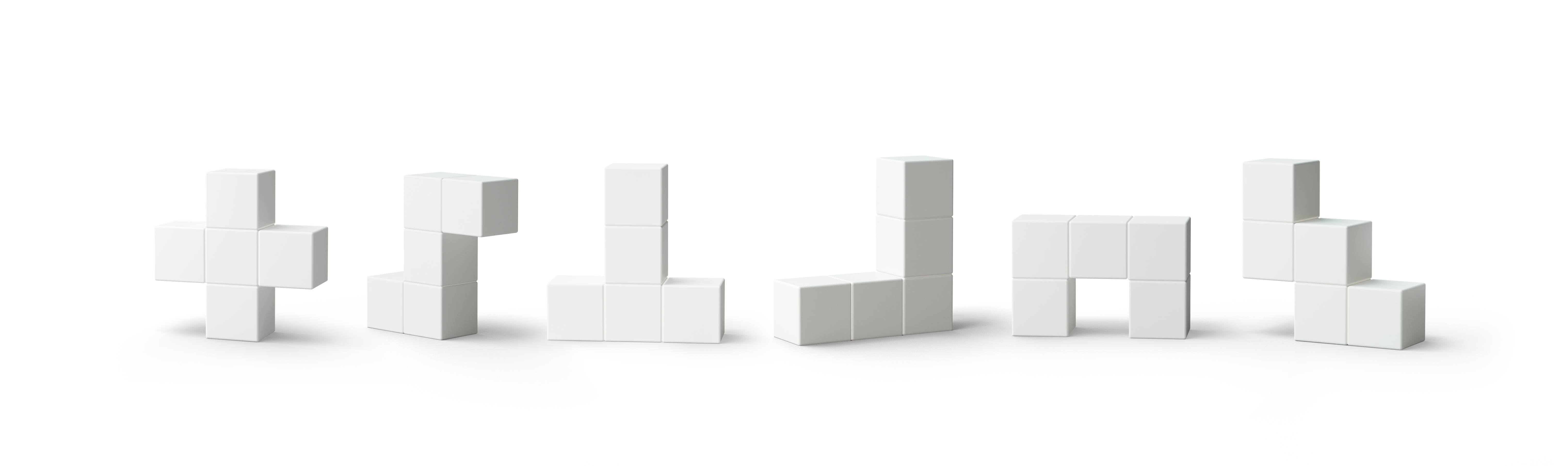
How to Play
Tutorial
Strata includes an interactive tutorial built into the game. On the start page, select Play Tutorial and follow the on-screen prompts. You can also tap the "?" in the bottom-right corner at any point during gameplay to review the rules.
.png) .
. .png)
Setup
To start a new game of Strata:
Choose your players then select a grid. Strata now includes grids for every game size, each offering a different style of play.
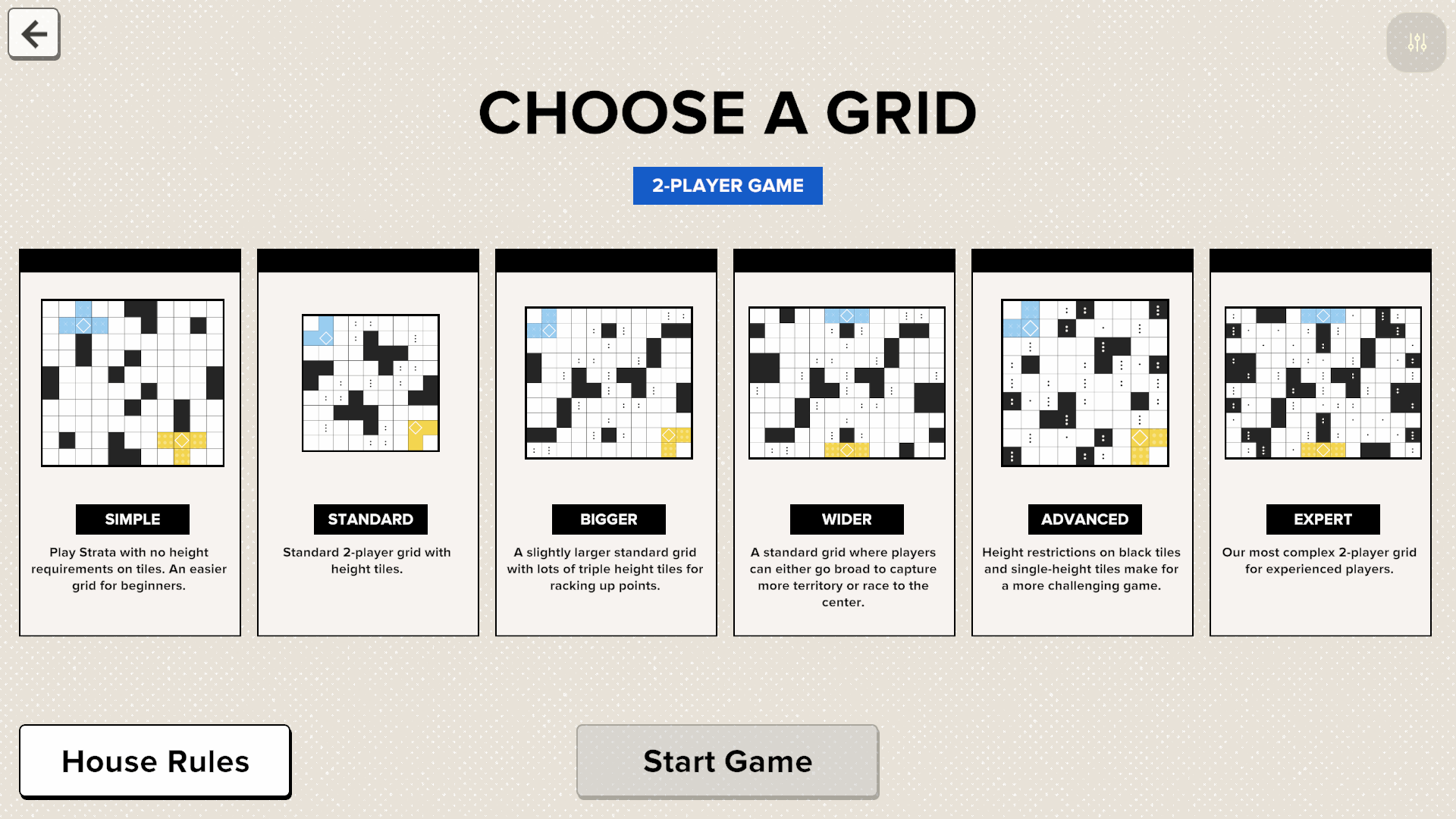
House Rules (Optional)
Customize gameplay during setup:
Turn Timer: Enable a time limit per move (30 seconds to 5 minutes). With Timer Bonus on, finishing before time runs out earns a 50-point bonus.
Height Tile Bonus on Claiming: Change when height tile bonuses are awarded — at capture (default) or at the moment of claiming.
Taking a Turn - Block Placement Rules
On your turn, place your assigned blocks on the Grid. When finished, confirm the move and remove the Blocks to score. The following rules apply to all turns:
You must use all three of the blocks assigned to you.
At least one of your blocks has to be on or next to your existing Claimed or Captured tiles.
All blocks placed must be touching each other on a flat side. Corner to corner won’t work!
Blocks must be fully within the grid. No overhanging or extending past the edge!
Blocks may not directly touch black tiles or opponents’ Captured (solid) tiles.
All three blocks must stand unassisted in order to be valid. If it stays, it plays!
Claiming and Capturing Territory
When you place a block, you claim the tiles underneath it. Tiles with dots are height tiles — special tiles that can only be claimed by placing a block of the matching height (e.g., two dots = a 2-high block). If the height doesn't match, the tile won't be highlighted or claimed even if a block is placed there. Claimed tiles (patterned) score 5 points. These can still be claimed by other players!
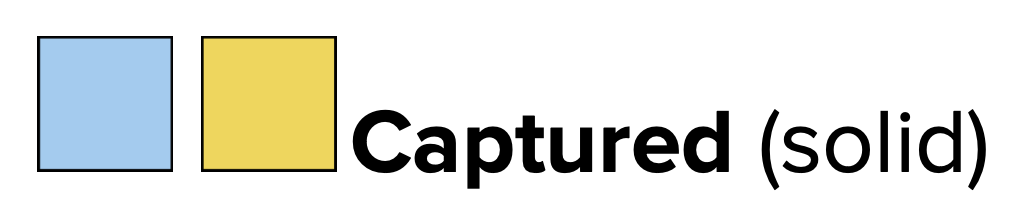
A tile becomes Captured (solid) when it’s been fully surrounded by your tiles, black tiles, or the edge of the grid. Captured Tiles score 10 points!
Height Tiles and Height Bonuses
Under default rules, you must capture (not just Claim) a height tile for the bonus points to be awarded. Some grids include black height tiles — to claim these, you must bridge over them at the correct height. Watch a video example of this here.
Scoring Points & Winning
Score points for Claimed and Captured tiles. Fill up the Territory Tracker to trigger the final round, and the player with the most points at the end of the game wins!
FAQs
Can I play Strata solo? Strata is a head-to-head competitive game. For a solo experience, try Daily Build (included in the Strata & Daily Build Collection) for a fresh puzzle every day.
Can we play teams? Yes! With larger groups, players can team up and share a color, taking turns together.
Why isn't my height tile being claimed? Height tiles require a block of the exact matching height. If the height doesn't match, the Board won't highlight or claim the tile (this is by design).
Why haven't I received my height tile bonus yet? Under default rules, you earn the bonus only after the tile is captured (fully surrounded), not just claimed. Enable Height Tile Bonus on Claiming in House Rules if you'd prefer to earn it sooner.
Are there black tiles with a height requirement? Yes! Some grids now include black height tiles. To claim these tiles, you must bridge over them at the correct height.
Can I preview what I'll score before placing? Yes. As you place each block, the Board highlights your tiles in real time. Placing additional blocks may update the preview, so watch the board adjust as you go.